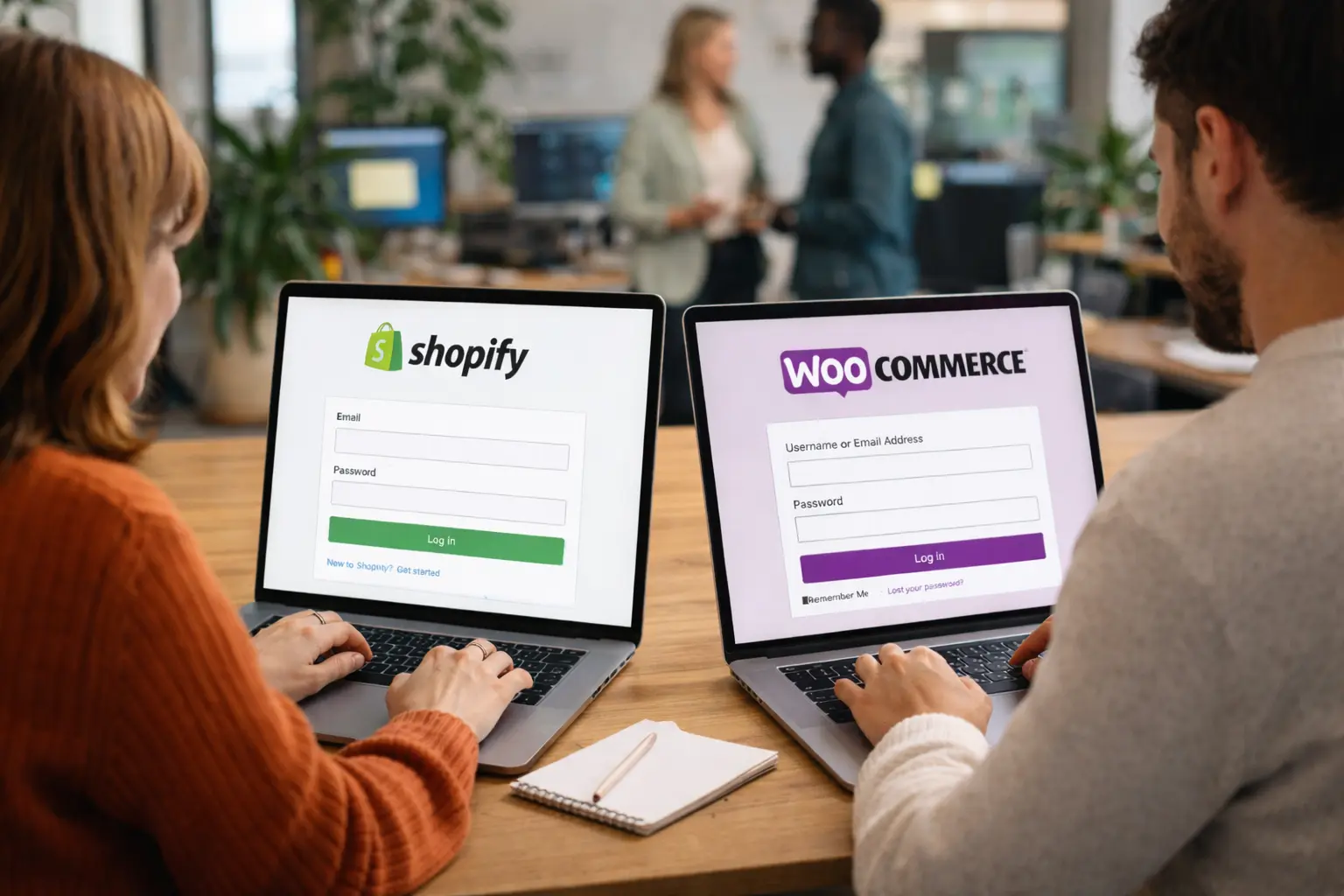
Both platforms power million-dollar stores. But the path to scale looks very different on each. Here's what actually matters when you're ready to grow.
Shopify and WooCommerce are the two most popular ecommerce platforms in 2026. Together, they power over 10 million online stores worldwide.
But popularity doesn't answer the real question: which one is better for scaling your store?
The answer depends on what you value more — control or convenience. Both platforms can handle high-volume stores, but they scale in fundamentally different ways.
This guide compares Shopify and WooCommerce specifically through the lens of growth: costs at scale, performance under load, ad tracking accuracy, and the operational realities of running a larger store on each platform.
The Fundamental Difference
Before diving into specifics, understand the core distinction:
Shopify is a hosted, all-in-one platform. You pay a monthly fee, and Shopify handles hosting, security, updates, and infrastructure. You focus on selling.
WooCommerce is an open-source plugin for WordPress. It's free to install, but you manage (or pay someone to manage) hosting, security, updates, and performance optimization.
This difference shapes everything else — costs, flexibility, scaling challenges, and operational overhead.
Aspect | Shopify | WooCommerce |
|---|---|---|
Hosting | Included | You manage |
Security | Handled by Shopify | Your responsibility |
Updates | Automatic | Manual (or plugin-managed) |
Customization | Theme + app limited | Unlimited (with code) |
Scaling | Automatic | Requires optimization |
Cost Comparison at Scale
The "WooCommerce is free" narrative falls apart at scale. And Shopify's transaction fees add up faster than you'd expect.
Shopify Costs (Scaling Store)
Expense | Monthly Cost |
|---|---|
Plan (Advanced) | $299 |
Transaction fees (if not using Shopify Payments) | 0.5% of revenue |
Apps (analytics, reviews, upsells, etc.) | $200-500 |
Theme (one-time, amortized) | ~$25 |
Total (at $100K/month revenue) | $800-1,300 |
If you're processing $100K/month and using Shopify Payments, you avoid the transaction fee. Your total platform cost sits around $500-800/month.
For larger stores, Shopify Plus starts at $2,500/month but removes many limitations and offers lower payment processing rates.
WooCommerce Costs (Scaling Store)
Expense | Monthly Cost |
|---|---|
Managed hosting (high-traffic) | $100-500 |
Premium plugins/extensions | $100-300 |
Payment gateway fees | 2.9% + $0.30 per transaction |
Security/maintenance | $100-300 (or dev time) |
Developer support (occasional) | $200-500 |
Total (at $100K/month revenue) | $600-1,600 |
WooCommerce's costs are less predictable. A well-optimized store on good hosting can run lean. But plugin conflicts, performance issues, and security vulnerabilities can spike costs unexpectedly.
The Verdict on Cost
At mid-scale ($50K-$200K/month), total costs often balance out. Shopify is more predictable; WooCommerce can be cheaper but carries more risk of surprise expenses.
At high scale ($500K+/month), Shopify Plus becomes cost-effective due to lower transaction fees and dedicated support. WooCommerce requires serious infrastructure investment to match performance.
Performance and Reliability
When you're spending thousands on ads, a slow or unreliable store costs you money. Every second of load time reduces conversions.
Shopify Performance
Shopify handles infrastructure automatically. Their CDN delivers sub-2-second load times by default, and the platform scales automatically during traffic spikes (Black Friday, flash sales, viral moments).
Strengths:
Automatic scaling — no server upgrades needed
99.99% uptime guarantee
Built-in CDN for global delivery
No performance optimization required
Weaknesses:
Limited control over caching behavior
Some apps can slow down your store
Checkout customization is restricted (unless on Plus)
WooCommerce Performance
WooCommerce performance depends entirely on your hosting and optimization. A well-configured WooCommerce store can be extremely fast. A poorly configured one will struggle under load.
Strengths:
Full control over caching, CDN, and server configuration
Can optimize specifically for your traffic patterns
No platform-imposed limitations on speed
Weaknesses:
Requires ongoing optimization as you scale
Plugin conflicts can tank performance
Traffic spikes may require server upgrades
You're responsible for uptime
The Verdict on Performance
Shopify wins on reliability and convenience. WooCommerce can match or exceed Shopify's performance, but only with proper hosting (like Cloudways, Kinsta, or WP Engine) and ongoing optimization work.
If you don't have developer resources or don't want to think about infrastructure, Shopify removes that burden entirely.
Ad Tracking and Attribution
Here's something most platform comparisons ignore: ad tracking accuracy directly impacts your ability to scale profitably.
When you scale ad spend, your ad platforms (Meta, Google, TikTok) need accurate conversion data to optimize delivery. If they can't see your sales, they can't learn what's working.For a related guide on how to scale shopify ads — covering the manual scaling foundations that depend on accurate tracking — see that breakdown.
Shopify Ad Tracking
Shopify offers native integrations with major ad platforms through its sales channels.
Meta (Facebook/Instagram):
Native Pixel integration via Facebook & Instagram sales channel
Built-in Conversion API (CAPI) support with "Maximum" data sharing
Automatic event tracking (ViewContent, AddToCart, Purchase)
Google Ads:
Native Google & YouTube channel integration
Enhanced Conversions support
Product feed sync for Shopping campaigns
Strengths:
One-click setup for most ad platforms
Conversion API included (no custom development)
Consistent event tracking across checkout
Weaknesses:
Limited customization of tracking events
Native CAPI implementation has lower event match quality than custom solutions
Still misses 40-60% of conversions due to privacy restrictions
WooCommerce Ad Tracking
WooCommerce requires plugins for ad tracking, which offers more flexibility but more complexity.
Meta (Facebook/Instagram):
Requires a pixel plugin (Facebook for WooCommerce, PixelYourSite, etc.)
CAPI requires additional plugin or custom implementation
More control over event parameters and triggers
Google Ads:
Requires Google Listings & Ads plugin or custom setup
Enhanced Conversions needs manual configuration
Full control over conversion actions
Strengths:
Complete control over tracking implementation
Can customize events, parameters, and triggers
Easier to implement advanced attribution
Weaknesses:
More setup complexity
Plugin conflicts can break tracking
CAPI implementation requires technical knowledge
Responsibility for maintaining tracking falls on you
The Verdict on Ad Tracking
Out of the box, Shopify's native tracking is easier to set up and more reliable. WooCommerce offers more flexibility but requires more expertise.
However, both platforms face the same fundamental limitation: browser-based tracking misses 40-60% of conversions due to iOS privacy restrictions, ad blockers, and cookie limitations.Combined with a related guide on ad fatigue — the creative-side compounding factor that compounds tracking-side losses — these are the two scaling bottlenecks platform choice can't solve
For stores serious about scaling ads, the solution isn't choosing the "right" platform — it's implementing server-side tracking that captures conversions regardless of browser limitations. This works on both Shopify and WooCommerce.
Customization and Flexibility
As you scale, you'll inevitably need features that don't exist out of the box. How easily can you build them?
Shopify Customization
Shopify uses a proprietary templating language (Liquid) and restricts access to core platform code.
What you can customize:
Theme design and layout
Product pages and collections
Basic checkout branding (full customization on Plus)
App-based functionality extensions
What you can't customize (without Plus):
Checkout flow and fields
Core platform behavior
Database structure
Server-side logic
App ecosystem: 8,000+ apps in the Shopify App Store. Most functionality can be added via apps, but each app adds monthly cost and potential performance impact.
WooCommerce Customization
WooCommerce is open-source. You can modify anything.
What you can customize:
Everything — themes, plugins, checkout, database, server behavior
Custom checkout flows
Complex pricing rules
Unique product types
Deep integrations with any system
What requires developer help:
Most customizations beyond basic settings
Plugin conflicts and compatibility issues
Performance optimization
Plugin ecosystem: 60,000+ WordPress plugins, plus WooCommerce-specific extensions. More options, but quality varies widely.
The Verdict on Customization
WooCommerce wins on flexibility. If you need custom checkout flows, unusual product configurations, or deep integrations with external systems, WooCommerce can do it.
Shopify wins on "good enough" customization without technical debt. For most standard ecommerce use cases, Shopify's themes and apps handle the job without custom development.
SEO Capabilities
Organic traffic matters for sustainable growth. Both platforms support SEO, but with different approaches.
Shopify SEO
Built-in XML sitemap generation
Editable meta titles and descriptions
Clean URL structure (with some limitations)
Fast page load speeds (good for Core Web Vitals)
Limited blogging capabilities
Limitations:
URL structure includes "/products/" and "/collections/" prefixes
Limited control over robots.txt
Blog functionality is basic compared to WordPress
WooCommerce SEO
Full access to WordPress SEO capabilities
Yoast SEO or Rank Math for advanced optimization
Complete URL control
Full blogging platform built in
Granular schema markup control
Strengths:
WordPress is the most SEO-flexible CMS
Superior content marketing capabilities
Full control over technical SEO
Weaknesses:
Performance depends on optimization
Plugin conflicts can break SEO features
The Verdict on SEO
WooCommerce (via WordPress) offers superior SEO flexibility, especially for content-heavy strategies. If organic traffic and content marketing are core to your growth plan, WooCommerce has the edge.
Shopify handles SEO basics well and compensates with speed advantages, but lacks the depth of WordPress SEO tools.
Operational Overhead
Scaling isn't just about features — it's about how much of your time goes to platform management vs. growing your business.
Shopify Operations
What Shopify handles:
Hosting and server management
Security patches and SSL certificates
Platform updates
PCI compliance
Uptime monitoring
What you manage:
Products, orders, customers
Apps and integrations
Theme updates
Time investment: Low. Most store owners spend zero time on technical maintenance.
WooCommerce Operations
What you manage (or hire for):
Hosting and server configuration
Security (SSL, firewalls, malware scanning)
WordPress and plugin updates
Performance optimization
Backups
PCI compliance
What's automated (with the right setup):
Plugin updates (with managed hosting)
Backups (with proper hosting)
Security scanning (with security plugins)
Time investment: Moderate to high. Expect ongoing maintenance or budget for managed services.
The Verdict on Operations
Shopify is "set and forget." WooCommerce requires ongoing attention (or paying for managed services that provide it).
If you're a solo founder or small team, Shopify's operational simplicity lets you focus on growth. If you have technical resources or prefer ownership, WooCommerce gives you control.
When to Choose Shopify
Choose Shopify if:
You want to launch fast and focus on selling, not technology
You're running paid ads and want reliable, easy-to-configure tracking
You don't have developer resources (or don't want to manage them)
You value predictable costs and automatic scaling
Your customization needs are standard (themes + apps solve most problems)
You're planning to scale quickly and want infrastructure that "just works"
Shopify is ideal for: DTC brands, dropshipping stores, physical product businesses that prioritize marketing over technical customization.For the next layer — AI ad scaling for Shopify stores — covering Advantage+ and Performance Max workflows that benefit from Shopify's native CAPI, see that guide.
When to Choose WooCommerce
Choose WooCommerce if:
You need deep customization that Shopify's app ecosystem can't provide
You're building a content-heavy site where SEO and blogging are central
You have developer resources (in-house or agency)
You want full data ownership and control
You're comfortable managing (or paying for) hosting and security
You have complex product configurations or checkout requirements
WooCommerce is ideal for: Businesses with unique product models, content-driven brands, companies with existing WordPress infrastructure, and stores requiring custom integrations.
The Bottom Line: It's Not the Platform, It's the Execution
Here's what most comparison articles won't tell you: both platforms power successful seven and eight-figure stores.
Your success depends far more on:
Product-market fit
Marketing execution
Customer experience
Operational efficiency
...than on whether you chose Shopify or WooCommerce.
The platform that's "better" is the one that lets you focus on what actually grows your business. For most store owners, that's Shopify — it removes technical friction so you can focus on products, marketing, and customers.
For stores with specific technical requirements, WooCommerce's flexibility is worth the additional operational overhead.
And regardless of platform, if you're scaling paid advertising, accurate conversion tracking matters more than the platform itself. Both Shopify and WooCommerce face the same browser-based tracking limitations — and both benefit from tracking solutions that capture the conversions pixels miss.To review this use case in a demo on a Shopify or WooCommerce account similar to yours, that walkthrough covers platform-specific tracking setup end-to-end.
Get Started
Start Tracking Every Sale Today
Join 10+ e-commerce stores. Set up in 5 minutes, see results in days.